Skip to content
Training and LMS

Teach what matters. Ground it in your own policies.

A full learning system in the same place as your exercises: editable modules, training that works on a phone, quizzes, certificates and LMS workflows. No second platform to run, and no generic content library you have to work around.

Theory, game, quiz
in every module
Quizzes and certificates
proof of completion
Own learner portal
SSO, MFA optional
20+ core topics
basic to advanced
A training supervisor talking a metalworking apprentice through a module on a tablet, cut out against the page background

What the courses teach, ten minutes at a time.

The Cyberdise curriculum starts with why awareness matters and the basics of cybersecurity, then covers attack vectors, passwords, malware, safe browsing, data protection, clean desk, travel, mobile devices, BYOD, network security and AI security. Every module has the same three parts: a short theory section, a game where people apply it, and a final quiz of 4 to 15 questions. That gives each course a pass rate, which tells you more than a completion tick.

  • Basic and advanced levels, so onboarding and refresher training go to different depths
  • 12+ languages, with more added on request
  • Built for phones as well as desktops
  • Short videos on topics such as deepfakes, email and mobile security to go with the modules
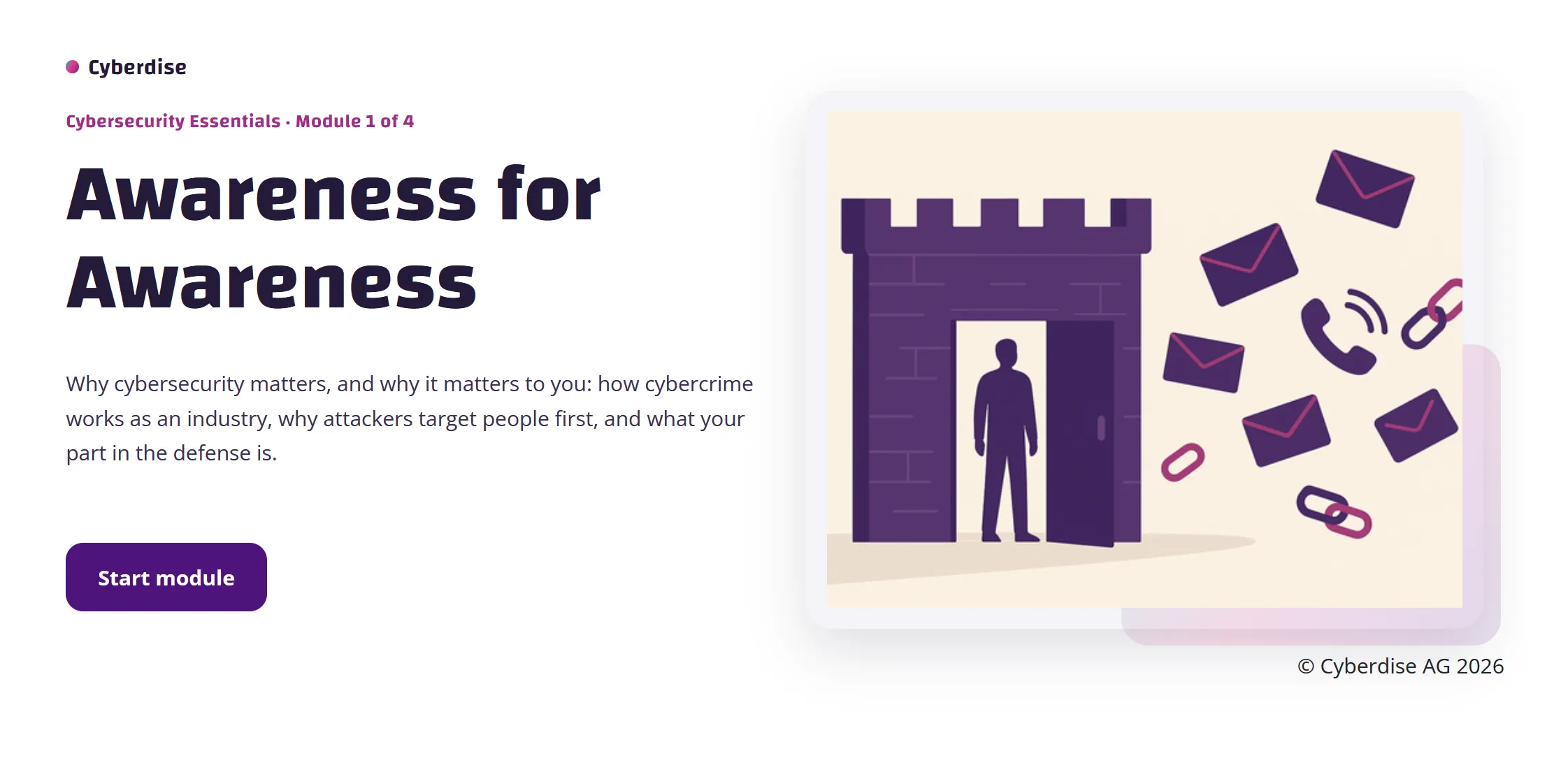
The first module of the Cybersecurity Essentials course, with its own introduction and a start button
The LMS

What happens around each course.

Learner portalPeople see their open courses, scores, certificates and training history in one place.
Training after a slipSomeone who falls for a simulation can be sent straight to a training module, by email or in the browser.
SCORM in and outRun the courses you already own, and export ours as a package another LMS can play.
Pass marks and certificatesYou set the pass mark, 80% by default, and a pass can send the learner a PDF certificate by email.
Accessible contentCourses built to WCAG AA, with HTML modules that work with screen readers.
Reminders by statusReminders reach only people who haven't opened, finished or passed a course, within the campaign's business hours.
An IT manager showing a policy page on a laptop to an HR colleague leaning in beside her

Train your own rules before anyone else's.

Generic modules teach generic rules. Your people need your password policy, your reporting line and your examples, in the languages they work in. You can rewrite any module in the library, including its text, screens, images and quiz questions, and there are three ways to add a course of your own.

  • Bring in a course you already have
  • Build one from the course template in every edition, with an intro, tips, a Truth or Lie game and a scored exam
  • Have the Cyberdise content team build it with you and translate it once it's approved
  • Put your own logo and design on every module

Ground the chatbot in the same policies

The rest of the platform

Training is one stage of the loop.

Cybersecurity ChatbotAnswers from your own policies, not from generic internet advice.Cybersecurity Chatbot
Phishing and smishingMultichannel exercises built from the tactics attackers are using now.Phishing and smishing
Behavioral risk scoringScores built from what people do, updated continuously.Behavioral risk scoring
FAQ

Before you roll it out

Which SCORM versions does it support?
SCORM 1.2 and SCORM 2004, in both directions, so the courses you already own run here and ours run in your LMS.
Can we turn our own policies into a course?
Yes. Bring in a course you already have, build one from our course template, or have the Cyberdise content team build it with you and translate it once it's approved.
How do we get our people into the system?
Sync them from your directory (how directory sync works), or upload a list from Excel, OpenDocument or CSV and check a preview before anything is imported.
How do people sign in to the learner portal?
With single sign-on, or with a password they set from a one-time invitation. You can require MFA on top.
Which reminders go out, and when?
You choose reminders for people who haven't opened the training, haven't completed it or haven't passed the quiz, and whether they repeat. Each person gets only the reminder that matches where they are. After approval and launch, reminders run on the schedule you set, within the campaign's business hours, and campaign statistics show how many went out.
Which languages are the courses in?
Courses come in 12+ languages, English and German first, with more on request. People get each course in the language set on their account.

Bring one of your own policies. See it inside a module.

Send us a policy beforehand and we show it inside a module, with a quiz and a certificate.