Most report buttons just forward the message. This one answers the person.
A report that disappears into a mailbox teaches people not to bother next time. Cyberdise gives the reporter a real next step, whether that is confirmation, an explanation or an escalation, and gives the security team a signal it can act on.

Works in the mailbox your people already use.
The Report-a-Phish Button sits in the Outlook ribbon and in Gmail.
- Outlook with Microsoft 365, installed centrally from the admin center
- Outlook with Exchange on premises, through EWS
- Gmail and Google Workspace, as a Workspace add-on
- Shared mailboxes, group addresses and extra accounts in Outlook
- Any other mail system, by forwarding to one Cyberdise address
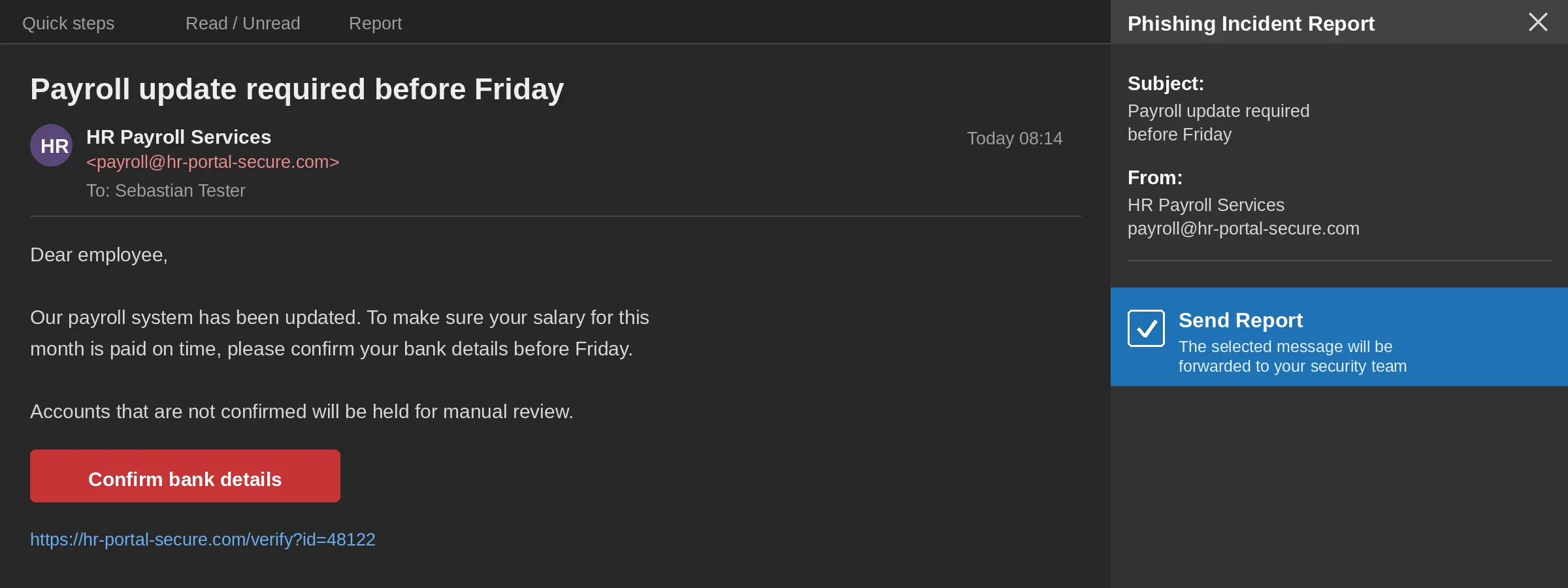
From one click to a closed case
- 01ReportOne click in Outlook or Gmail, or a forward to one address.
- 02CheckHeaders, domains and IP addresses are checked, and your own exercises are recognized.
- 03AnswerThe reporter gets an automatic reply in their own language.
- 04RouteExercises stay inside Cyberdise. Real threats go straight to your SOC.
- 05RespondYour team reviews the case, and the attack can become the next exercise.
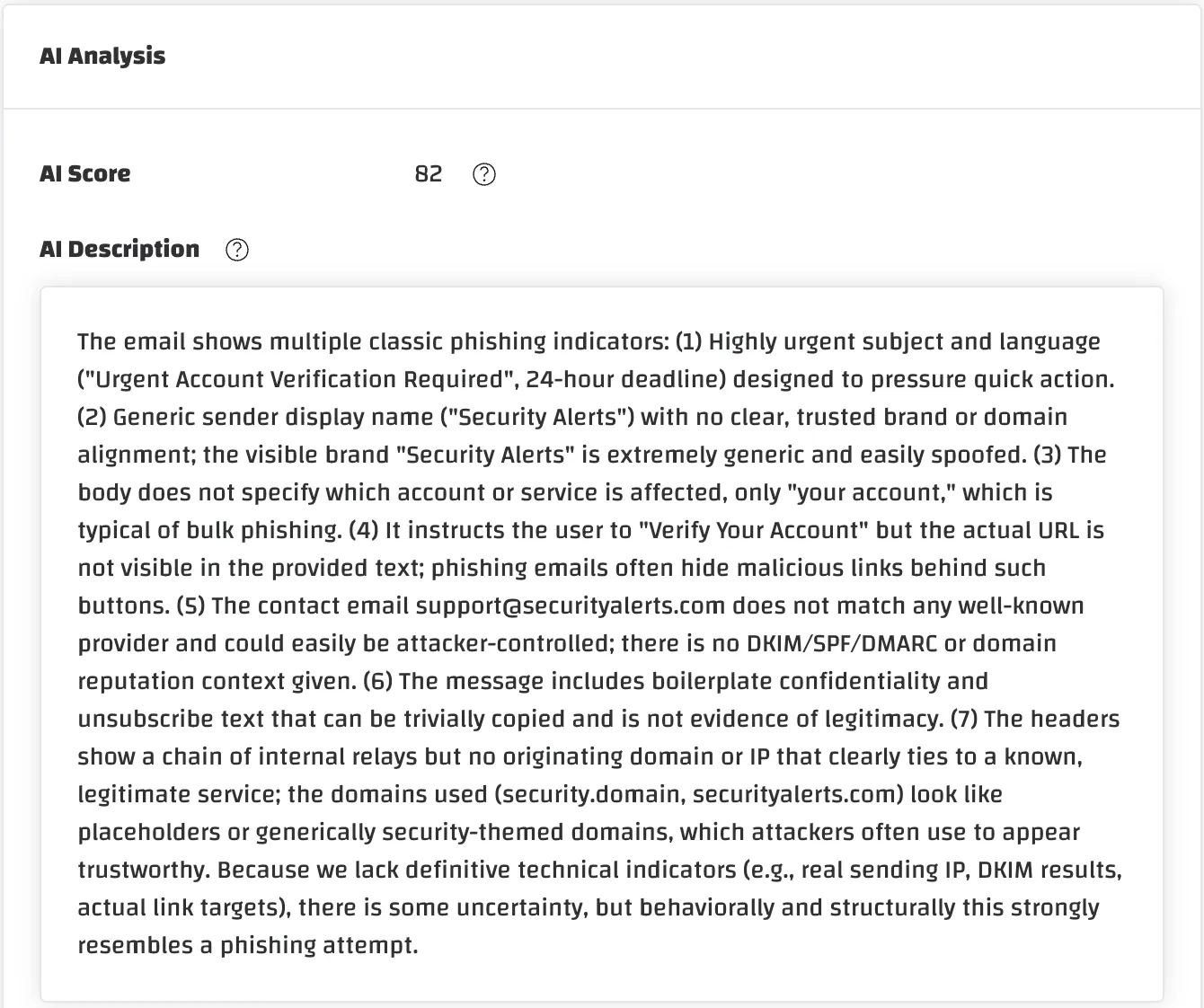
Every report is checked before anyone opens it.
Reports land in the Incident Inbox and are analyzed on arrival. An AI model then reads the message and adds an AI score with a written explanation, so the analyst starts from a reason instead of a raw email.
- Header analysis and blocklist checks on every domain and IP address
- A threat score from 0 to 100, marked as real phishing when a check matches
- Your own exercises recognized and labeled, with no rules to maintain
- An AI score with the reasoning behind it
- Operators review, reclassify and close each report
A report should never vanish into silence.
Someone who reports a suspicious message has done real security work. If nothing comes back, they learn it was pointless, and the next report never arrives. Cyberdise answers automatically, in the person's own language: one reply when the message was an exercise, another when it was real or external. The reply can include the message's risk score, and you write every word of it. That is how a reporting culture starts, because people can see that reporting changed something.
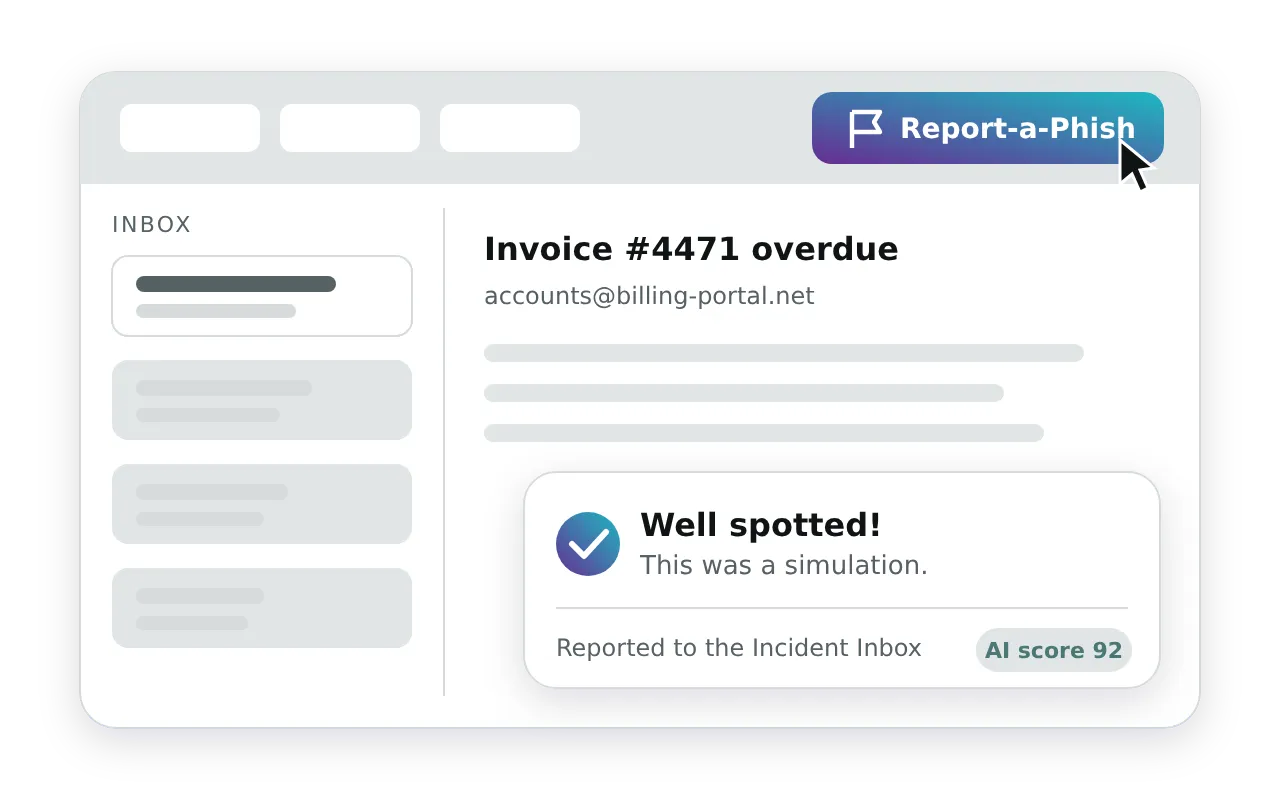
What a report sets in motion.
Which mail systems does it work with?
Does it need an app registration in Azure?
How does it reach our people?
Will our SOC be flooded with reported exercises?
In what form does the SOC receive the message?
Which editions include it?
Report a message on the call and watch what happens next.
Forward a suspicious email during the demo and watch the analysis, the reply and the routing.