Download
Run Cyberdise on your own servers, free
The Community edition is free and self-hosted for up to 75 users, with no limit on the messages you send. Create a free Knowledge Base account, open the installation manual, and set it up on your own servers or in a local cloud.
Three steps to your own instance
- 01Create a free accountSign up in the Cyberdise Knowledge Base at support.cyberdise.io. The account costs nothing and opens all the documentation.
- 02Open the installation manualIt covers installation on your own servers and in a local cloud.
- 03Install and startCyberdise runs as a rootless Docker image, with your own phishing and training domains.
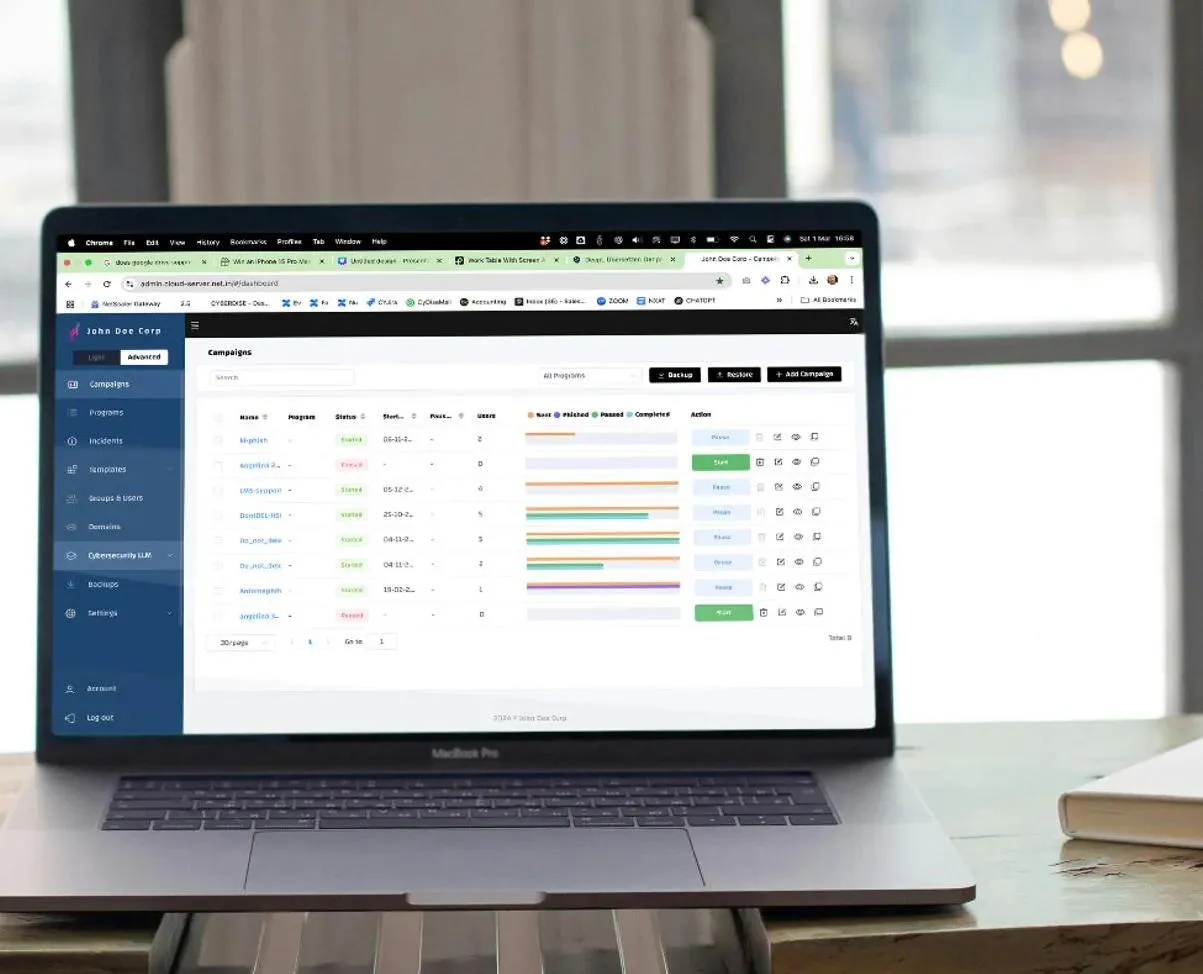
Cyberdise Community
What the Community edition gives you
The core of Cyberdise on infrastructure you control, at no license cost for smaller teams.
- Free for up to 75 users, with no limit on the messages you send.
- Phishing exercises with links and login pages, several attacks in one campaign and randomized delivery.
- A starter library of attack and training templates in several languages, and an LMS for your courses.
- Your own system, phishing and training domains, with results you can anonymize for works council approval.
Why do I need an account to download?
The manual sits in the Knowledge Base, which needs a login. Create the free account and it also opens the rest of the documentation.
How many users can the Community edition cover?
Up to 75. For more users, or for the full platform, the paid editions can also run on your own servers as an add-on for Awareness Plus, Behavioral Defense Engineering and MSSP. Compare the editions.
Where are the brochures that used to be on this page?
They are on the Resources page: the training portfolio, the training overview and the GLB case study, all as free PDFs. The study report is on the study page.
Can it run in our own cloud?
Yes. The installation manual covers your own servers as well as local clouds.
Does it run in a network without direct internet access?
Yes. Since V3.3, Cyberdise works behind an outbound proxy, sends its mail over TLS whenever the receiving server supports it, and lets you download its system and message logs. See what else V3.3 changed.
See Cyberdise running before you install a thing.
A 30-minute demo shows the platform, and what the paid editions add on top of Community.