Here's something we see again and again: people learn the cues of the situation they practise in. If your phishing simulations look nothing like the messages your employees get on a normal Tuesday, they get very good at spotting your simulations, and not much better at spotting real attacks.
So this release has one goal: make simulations feel like real life. That means the brands people use every day, localized phishing templates for the Swiss and German services they trust, and the newer tricks attackers are actually using right now. And because a bigger library is only useful if you can find things in it, we also rebuilt how templates are tagged ;)
Everyday brands, everyday moments
The new phishing simulation templates are built around the services your employees log into without a second thought: Amazon, Booking.com, Airbnb, PayPal, Mastercard, Adobe, Google, Microsoft, Dropbox, LinkedIn, Instagram, Netflix, Disney+ and ChatGPT, among others. Nobody opens a Netflix email in "security mode". These brands don't feel like cybersecurity training, they feel like a normal Tuesday. That autopilot is exactly what attackers count on, and exactly where a good simulation needs to meet people.
Instead of one generic email per brand, we've built a set of everyday moments: a declined payment, a refund waiting to be confirmed, a sign-in from a new device, a locked account, a parcel that couldn't be delivered, a document someone shared with you.
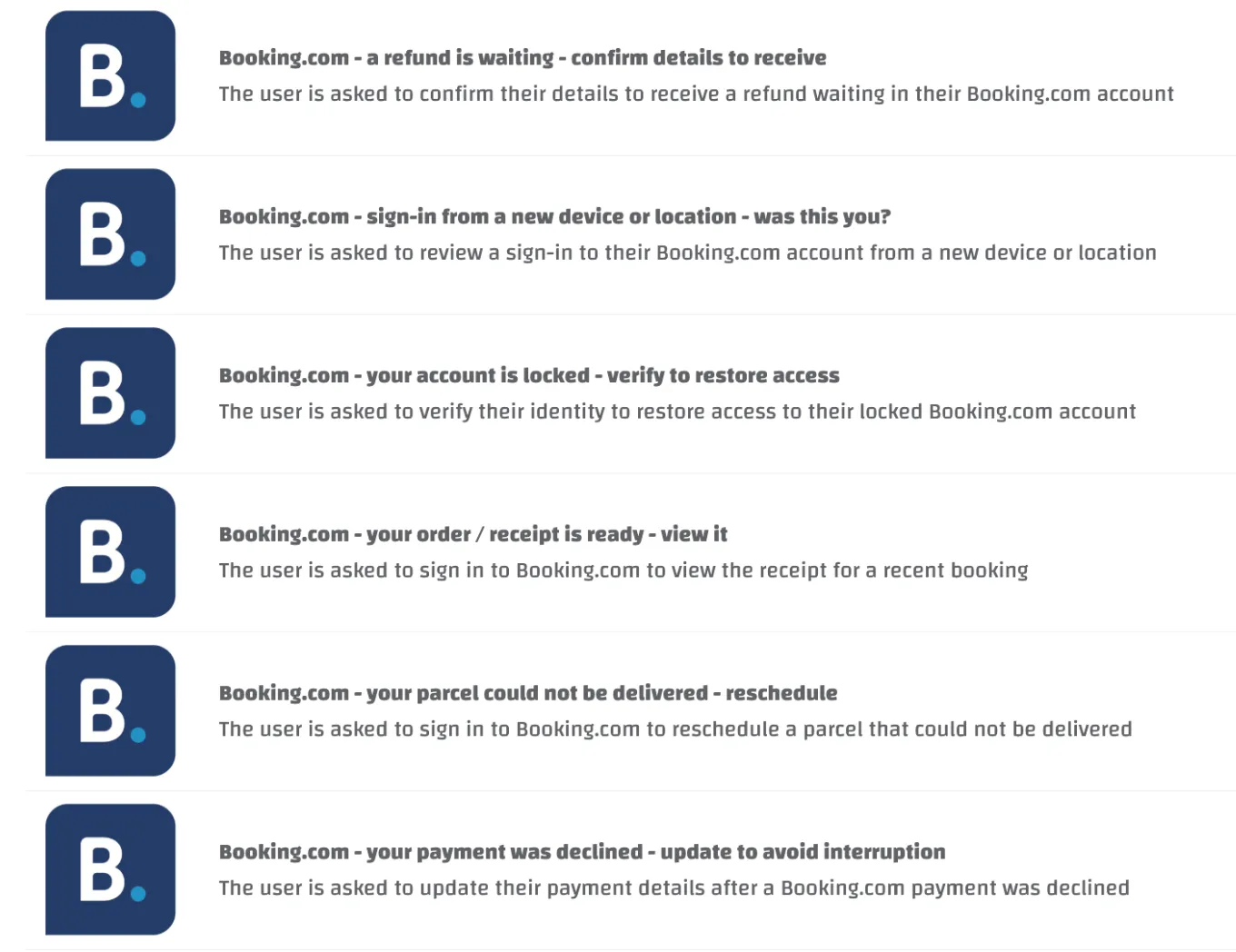
This structure is intentional, and it's where things get interesting. When the story stays the same and only the brand changes, you can see what really drives behavior in your organization. Do people trust the logo, or do they react to the urgency? Is a declined PayPal payment more convincing than a declined Klarna one? Which scenarios get reported quickly, and which ones quietly get clicked? That kind of comparison is what turns a phishing simulation from a test into a tool for understanding your people. Ah, I would love to read studies like that.
Localized phishing templates for Swiss and German inboxes
A US bank email in Zurich isn't much of a test. Most people there have never banked with that bank, so they delete it without thinking. Our customers and partners have told us for a long time that they want scenarios that feel Swiss or German, not translated from somewhere else.
So we went local:
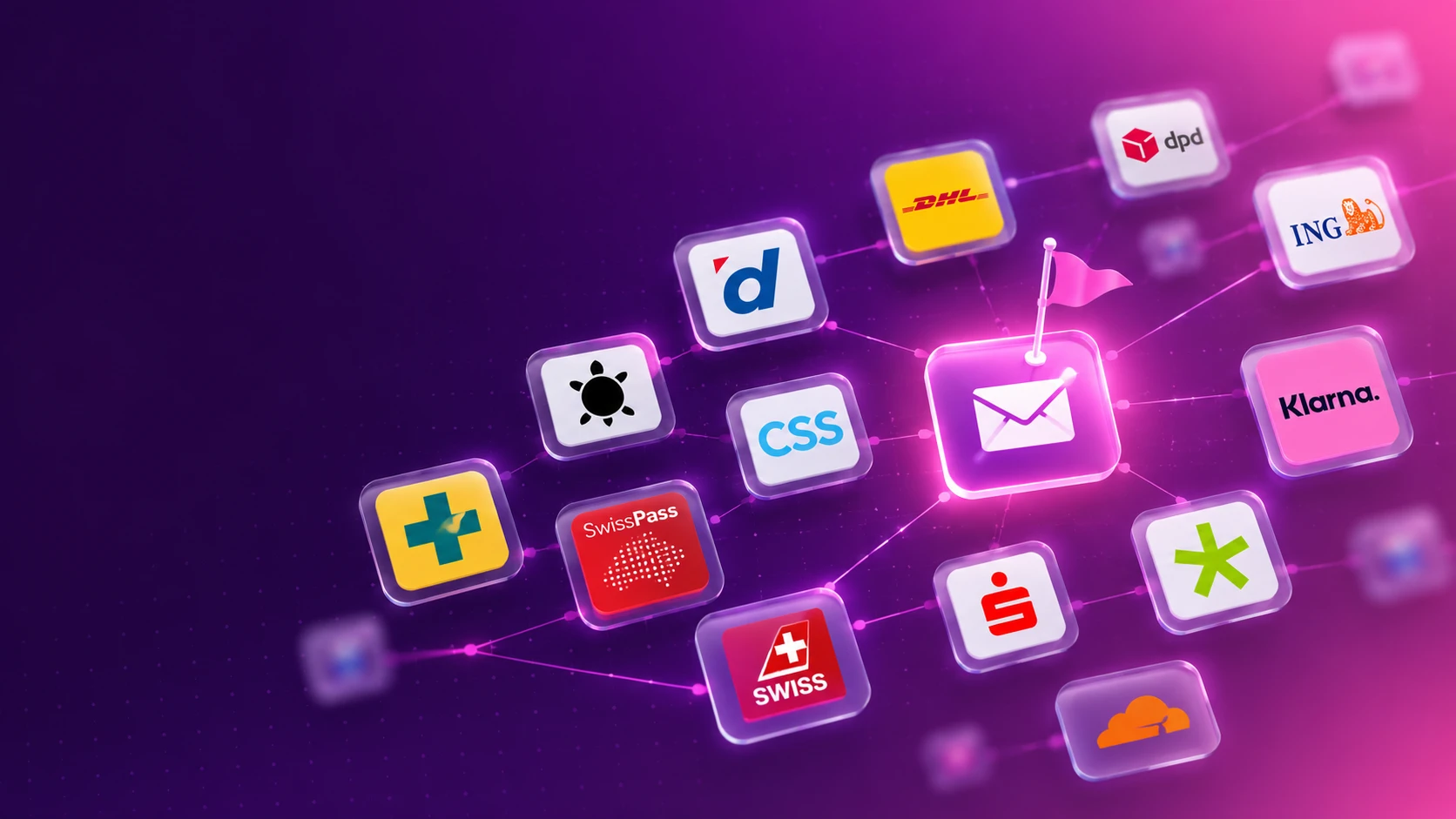
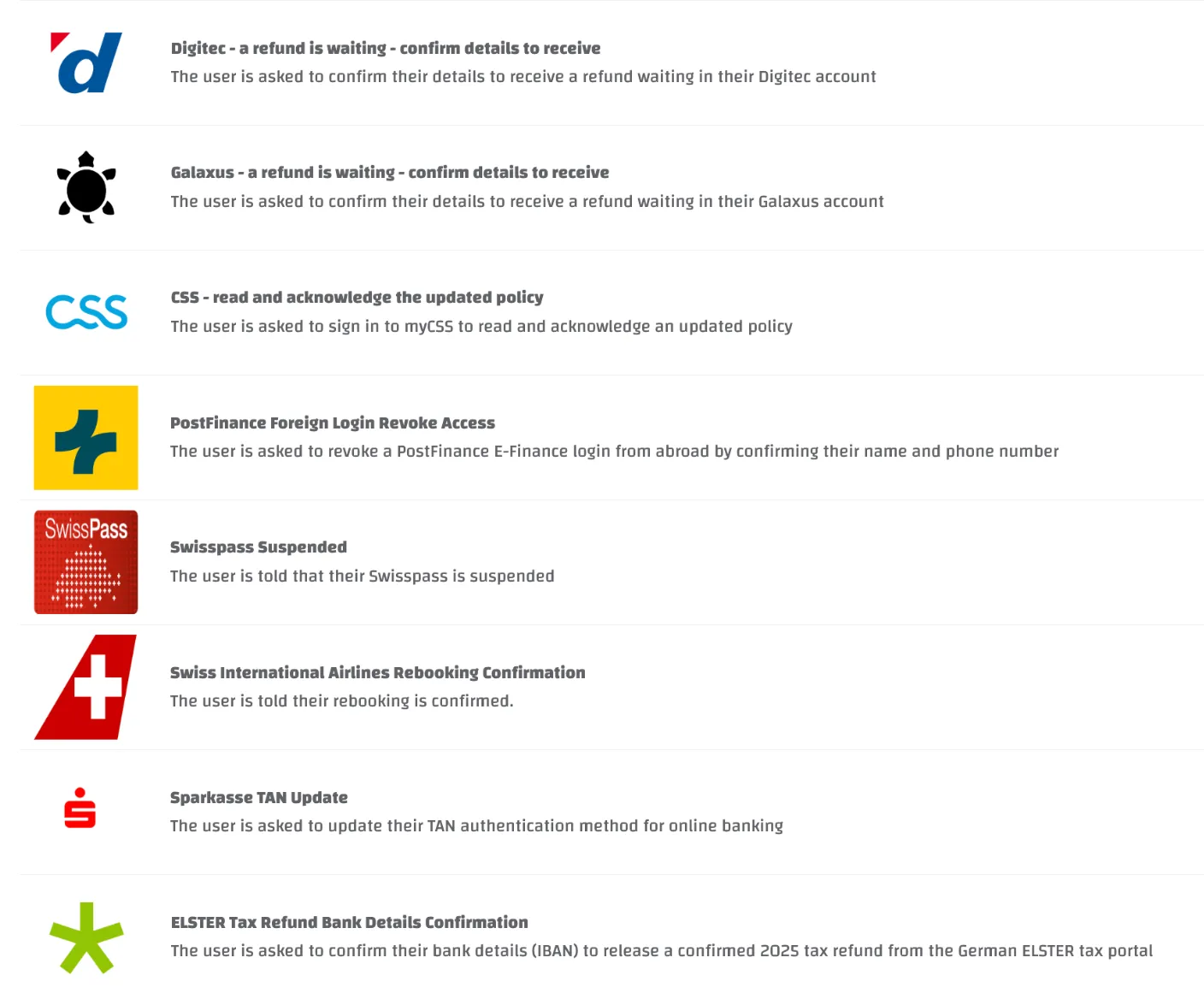
- Digitec and Galaxus for Swiss online shopping: refunds, special offers, order receipts and declined payments.
- CSS for health insurance paperwork: documents to sign, invoices to review and, everyone's favourite, a policy update to read and acknowledge.
- PostFinance for Swiss banking: an E-Finance login from abroad that needs to be revoked, right now.
- SwissPass and SWISS for getting around: a suspended SwissPass and a flight rebooking you never asked for.
- DHL and DPD for parcels, including the classic "pay a small customs fee to release your package".
- ING and Klarna for payments and banking in Germany: unusual charges, expiring cards and locked accounts.
- Sparkasse for German online banking: a TAN method that needs updating and an "urgent" data review.
- ELSTER for the one email every German taxpayer wants to get: a tax refund, waiting only for your IBAN.
Attackers localise their campaigns because it works. Your simulations should be at least as convincing as the real thing.
ClickFix and TerminalFix: when the victim does the work
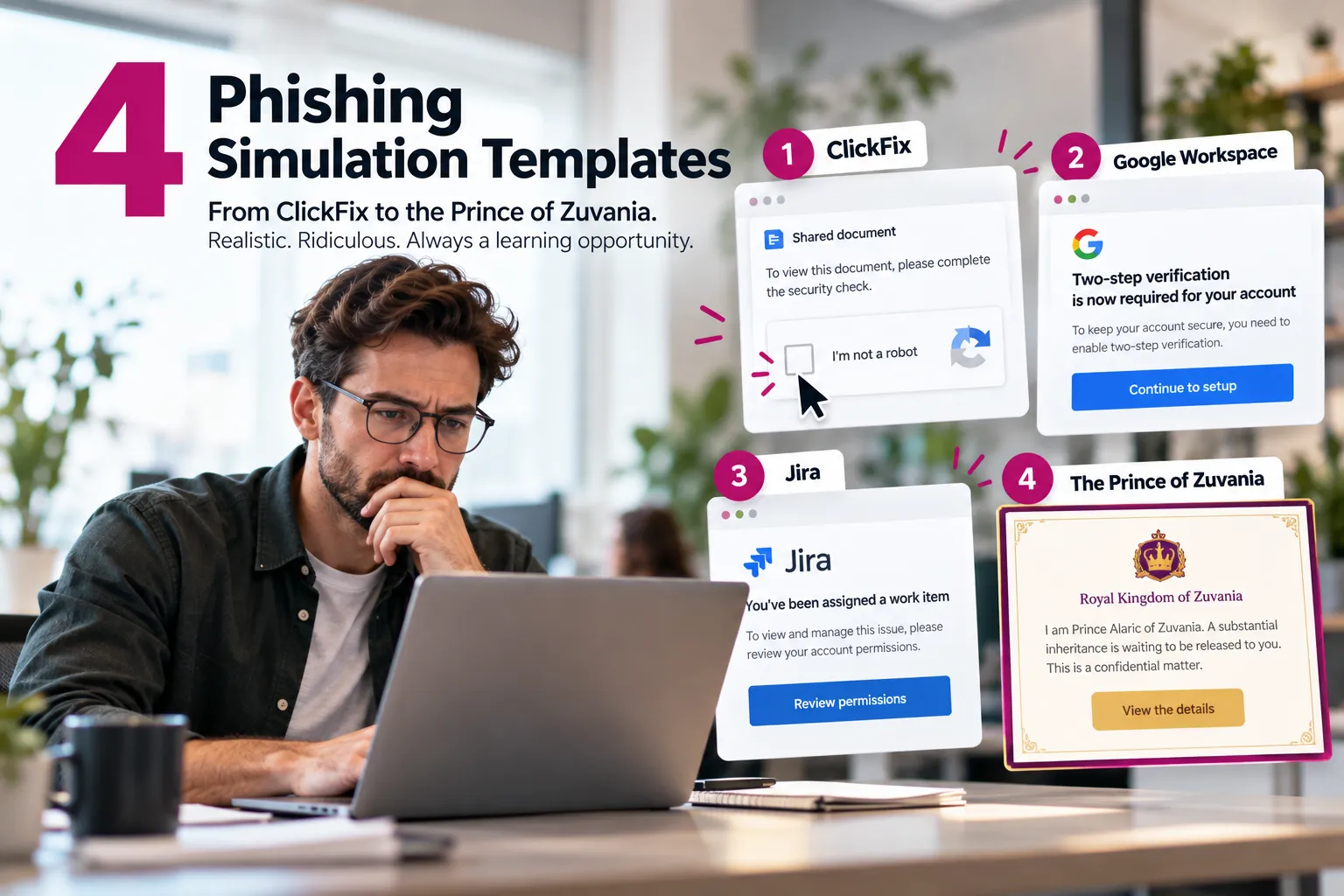
Most simulations train one reflex: don't click the link, don't enter your password. ClickFix skips both. Instead, the person sees a familiar-looking "verification failed" message with friendly instructions: copy this line, paste it into a terminal window, press Enter. It feels like fixing a small technical glitch. In reality, the user is running the attacker's command themselves.
It has spread fast over the past year, precisely because it doesn't look like phishing. The October release adds two templates for it: a Microsoft Teams invitation with a ClickFix verification step, and a Cloudflare "human check" that asks people to run a command in Windows Terminal (TerminalFix).
The lesson is simple and worth practising until it sticks: no legitimate website will ever ask you to run a command to prove you're human. If it does, stop and report it.

We've also added AI-themed scenarios, from ChatGPT account and storage notices to an invitation to an "exclusive AI preview webinar". As AI tools become part of everyday work, they're becoming part of everyday pretexts, too.
45 new tags (and why now)
You might be wondering why these tags weren't there before. The honest answer: we didn't need them, the search bar did the work. However, with hundreds of templates across brands, countries, techniques and regulations, scrolling and searching stops being efficient.
That's what the new tags are for. They cover:
- Psychological triggers: Urgency, Fear, Curiosity, Greed, Trust, Humour
- Topics: Payments & finance, Account & access, Documents & files, Offers & prizes, Remote Work and more
- Techniques: ClickFix, TerminalFix, Smishing, Credential harvest, Deepfakes
- AI and regulation: Shadow AI, Generative AI, EU AI Act, NIS2, Compliance, Data Protection
- Format: SCORM, AI translatable, White-label
In practice, this means you can build a campaign for your finance team around payment scenarios with high urgency in a few seconds. Preparing for a NIS2 audit? Filter by NIS2. Curious whether your organization reacts more to fear or to greed? Run both and compare. And if you're an MSSP, the "White-label" tag shows at a glance what's ready to run under your own brand.
This is just the first wave
Another 200 templates are already in production, with more localized phishing templates and new techniques. We'll share them here as they land.
None of this is about catching people out. It's about making the right reflex, pause, check, report, so familiar that it happens on autopilot. That's how we make the human part of the solution, not part of the problem.
Want to see the new templates in your own environment? Book a demo, and we'll show you what's new for your industry and markets.